Why your video calls sound bad, and how to fix the room
When the people at the far end keep saying "sorry, can you repeat that?", the camera isn't the problem. It's the room, the microphones and how far you sit from them.
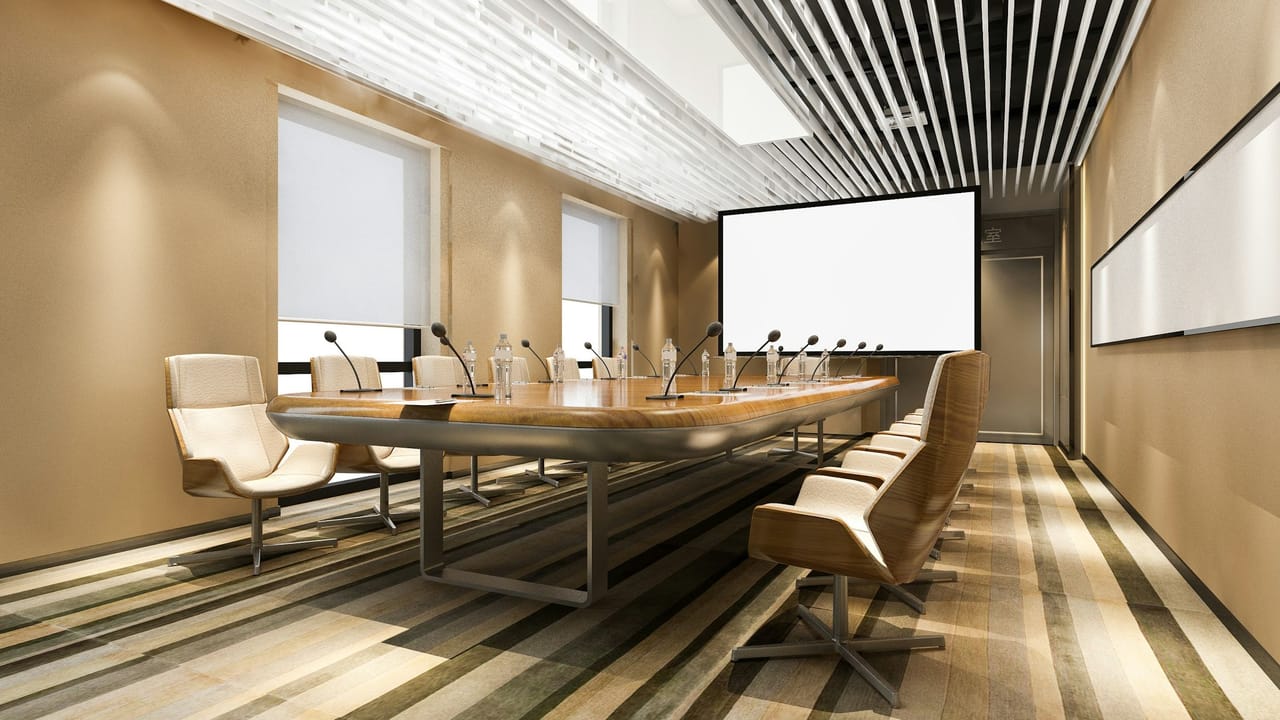
Most companies now have a meeting room built for video calls. Most of the complaints about them are the same: the people at the far end can hear the room but not the person speaking. Or there's an echo. Or the sound cuts in and out when two people talk at once.
The camera usually gets the attention and the budget. The audio decides whether the meeting works.
1. The room is too live
Boardrooms are often glass, plaster, stone and a long hard table. Those surfaces reflect sound, so a microphone picks up the voice and then the same voice again, a fraction of a second later, from every wall. In the room you barely notice: your brain filters it out. The microphone can't, and the far end hears someone talking in a bathroom.
What helps: absorbent surfaces. Acoustic panels on one or two walls, a ceiling that absorbs rather than reflects, even soft furnishings. You don't need a studio, only enough to take the edge off the reflections. A room that sounds slightly dead in person usually sounds right on a call.
2. The microphone is too far away
The further a microphone is from the person speaking, the more of the room it hears compared with the voice. A laptop microphone at the end of a ten-seat table is hearing mostly room. Each time you double the distance from a speaker, their direct voice is roughly a quarter as loud (about 6 dB quieter), while the room's reflections stay much the same.
What helps: bring the microphones closer to the people. That can be table microphones in front of each seat or group of seats, or a ceiling microphone array that forms narrow "beams" and steers them towards whoever is speaking. Ceiling arrays keep the table clear, which is why many companies prefer them for boardrooms.
3. The echo canceller is fighting the room
Your call software, or the room's audio processor, has an echo canceller: it removes the far end's voice from what your microphones pick up, so they don't hear themselves come back. A reverberant room, loudspeakers too close to the microphones, or two systems both trying to cancel echo can defeat it. The result is echo at the far end, or speech that clips and cuts out when people talk over each other.
What helps: one echo canceller, in one place, set up for the room. Put the loudspeakers and microphones where they don't point at each other, and let a proper audio processor (a DSP, digital signal processor) do the cancelling rather than every laptop in the room.
4. Nobody tuned it
Many meeting rooms are installed and never adjusted to the room they're in: the levels, the equalisation and the microphone coverage are left on their defaults. It's quick to fix at commissioning and much harder to diagnose six months later, when everyone has learnt to sit at one end of the table.
What helps: commissioning the room as a system, with test calls from every seat, and writing down the settings so the next room can match.
5. Every room is different
If each meeting room in the building was fitted out separately, each one works differently. People don't know which button to press, IT can't support them all, and problems recur.
What helps: a standard. Two or three room types (a small huddle room, a medium meeting room, a boardroom), each with the same equipment, the same layout and the same controls. Staff know them in any office, and your IT team supports one design instead of thirty.
Start with one room
If you're not sure where your problem is, start with the room people complain about most. Test it with a call from every seat, listen at the far end, and fix the room before you buy new equipment. We can help you assess it, and design a standard for the rest of the building once you know what works.